Sign in, or set or reset your password
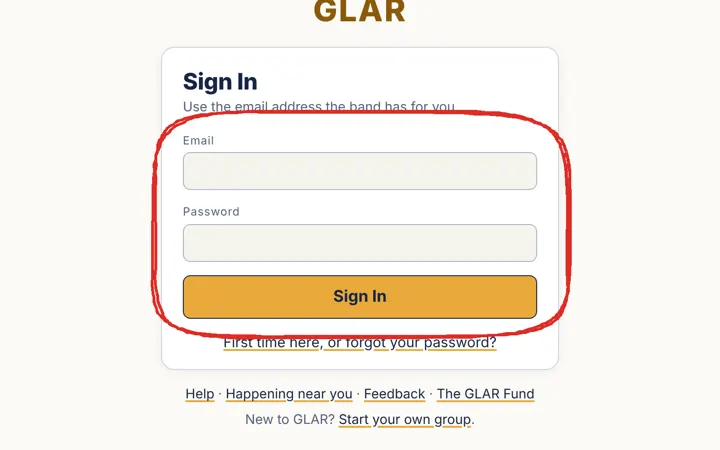
Leaders, managers and the site master sign in with their email and a password. Players don't need to sign in to answer an invite or a poll; the link in the email is enough.
- Go to Sign in.
- Forgot your password, or a group leader added you? Tap Forgot your password, or a group leader added you?
- Type your email. If you see a Verify you are human box, tick it (it usually ticks itself). Press Email Me The Link.
- Open the email and tap the link. It works once, for one hour.
- Type a New Password of at least 10 characters, type it again under Type It Again, and press Save And Sign In.
The link only goes to an address the band already has for you. If nothing arrives, ask your band leader to check your email address.
After 8 wrong tries GLAR makes you wait 15 minutes. Change Password (under About me on your Home page) locks the same way. You stay signed in for 30 days on that device. To leave, tap Sign Out at the top right.