Getting around GLAR: the buttons you'll see
Watch first
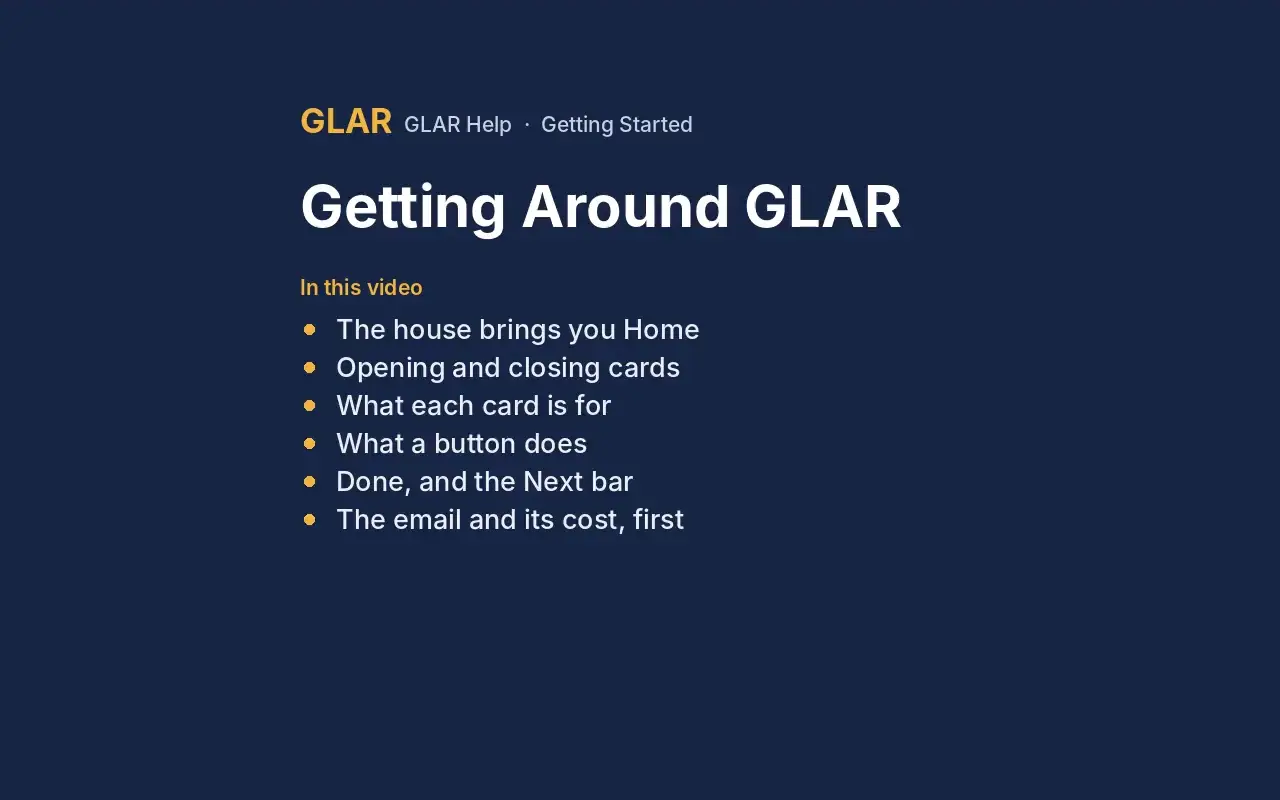
Watch 1: Getting Around GLAR
Your connection is weak, so the video couldn't play.
- The house (in the top bar, once you're signed in) takes you to your Home from any page. Everything you do in GLAR starts there.
- Cards open and close. Tap a card's name or its small arrow to open it; tap again to close it. GLAR remembers which ones you opened until you close the browser tab.
- The little calendar with a ? on a card tells you what that card is for, and often has a short video to watch.
- Rest the pointer on any button (on a computer) to see what it does before you press it.
- Done, at the top right of a group's pages, takes you back to Home.
- The Next: bar under the top bar points at the next thing that needs you. Tap it to go there.
- Help's Back button names the page you came from, like Back To Home, and takes you back there.
- Nothing is sent by surprise. GLAR shows you an email first, and what it costs, before anything goes out.