Venue: your team and who can do what
Watch first
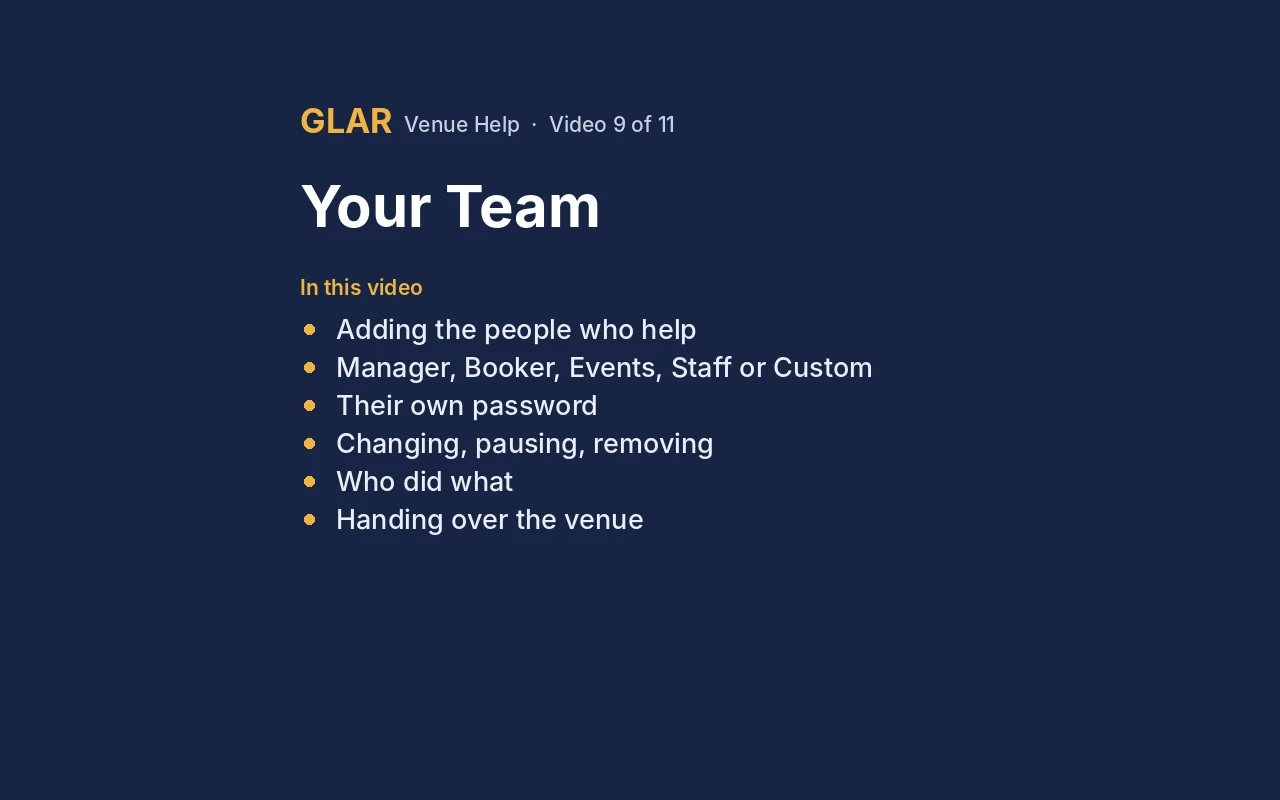
Watch 1: Your Team
Your connection is weak, so the video couldn't play.
- You're the owner. Press Your Team to add the people who help run the venue.
- Type their name and email and pick a role: Manager, Booker, Events or Staff. Or Custom, and tick the jobs yourself.
- GLAR emails them a link to pick their own password. You never see it.
- Everyone on the team sees the calendar, and only the buttons for the jobs you gave them.
- Change a role, pause someone or remove them any time. Their sign-in stops right away.
- Who Did What shows every change, and each booking shows who made it.
- Handing over the venue? Make Owner. Nothing changes until they accept.