Venue: getting started, your rooms and the calendar
Watch first
Watch 1: Getting Started
Your connection is weak, so the video couldn't play.
- Start:
- Press Start Free and give your name and email.
- Open the link GLAR emails you and choose a password.
- Press Start A Venue.
- Press Start Setup.
- Finish the short Guided Setup steps, one at a time.
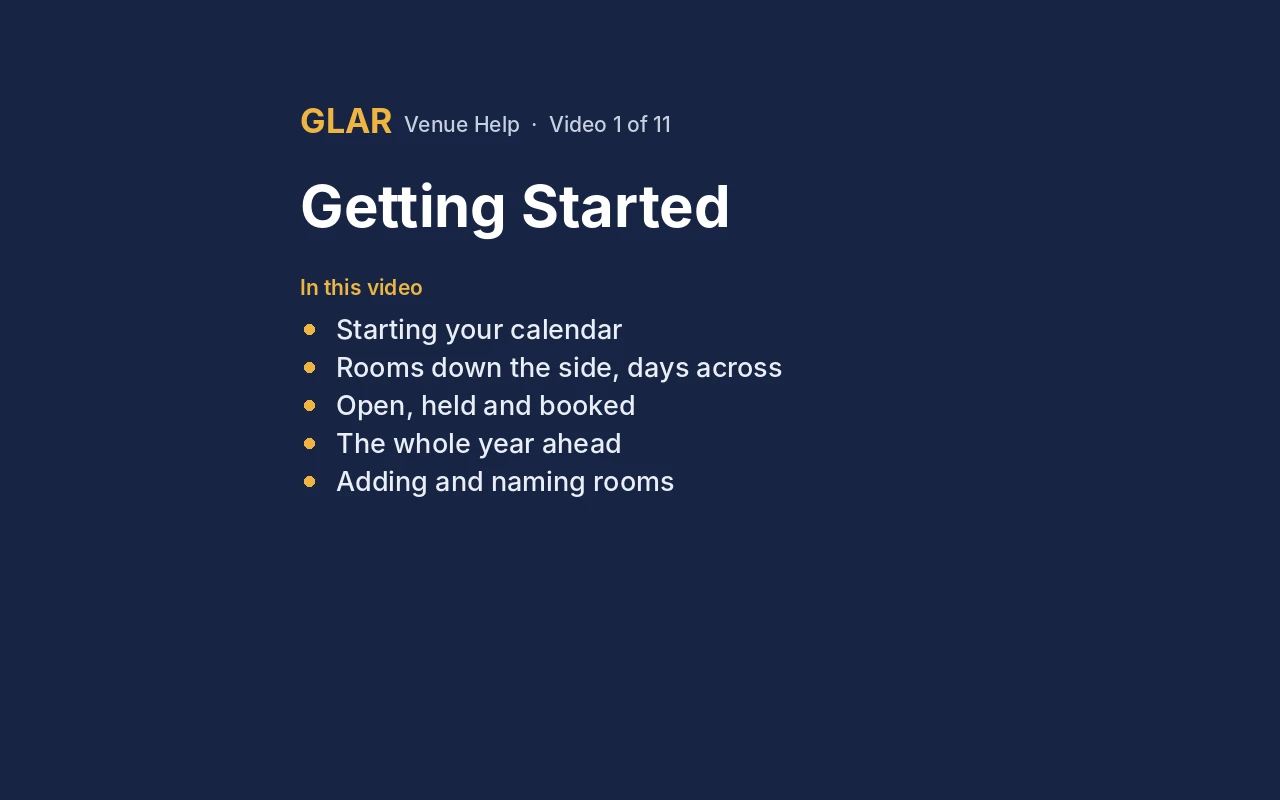
- Your calendar: rooms down the side, days across. On a phone it shows one day at a time.
- Colors: green is open, amber is held (asked, not settled), blue is booked.
- 13 Months: the whole year ahead, each day colored by how full it is. Tap a day to open that week.
- Rooms: add, rename, put in order or remove a room. Add "(outdoors)" after a room that is outside.