Venue: weddings and private events
Watch first
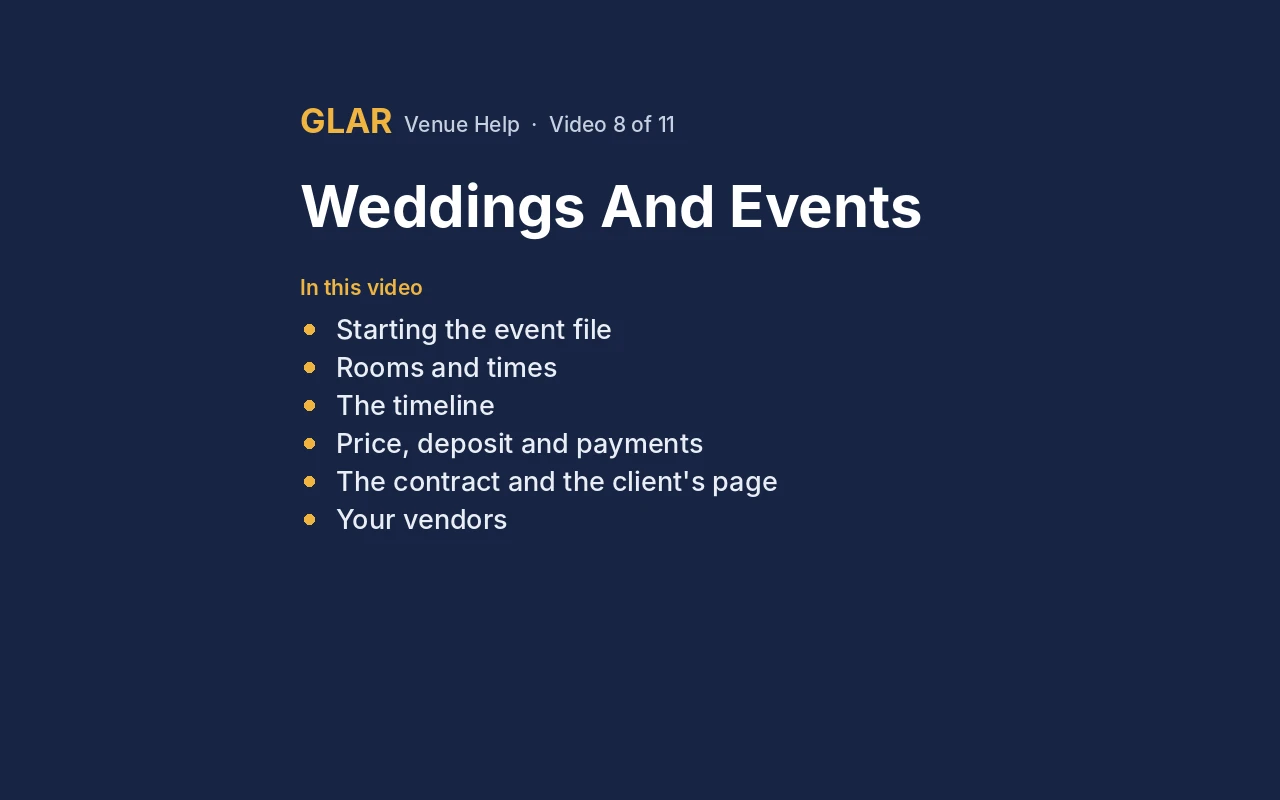
Watch 1: Weddings And Events
Your connection is weak, so the video couldn't play.
- Press Weddings & Events, then New Event.
- The event file holds the client, guest count, rooms, timeline, money and contract.
- Add each room with its times; one event can use several rooms.
- Build the timeline: arrivals, ceremony, dinner, toasts, last dance.
- Set the price, deposit and balance with the day each is due, and record each payment as it comes in.
- Your contract wording fills in names, rooms and dates.
- Send the client their page. They see the rooms, timeline and money, and sign online.
- Vendors: the caterers, cake makers, florists and photographers you trust. Add them to an event, and invite them to GLAR.