Venue: entering bookings
Watch first
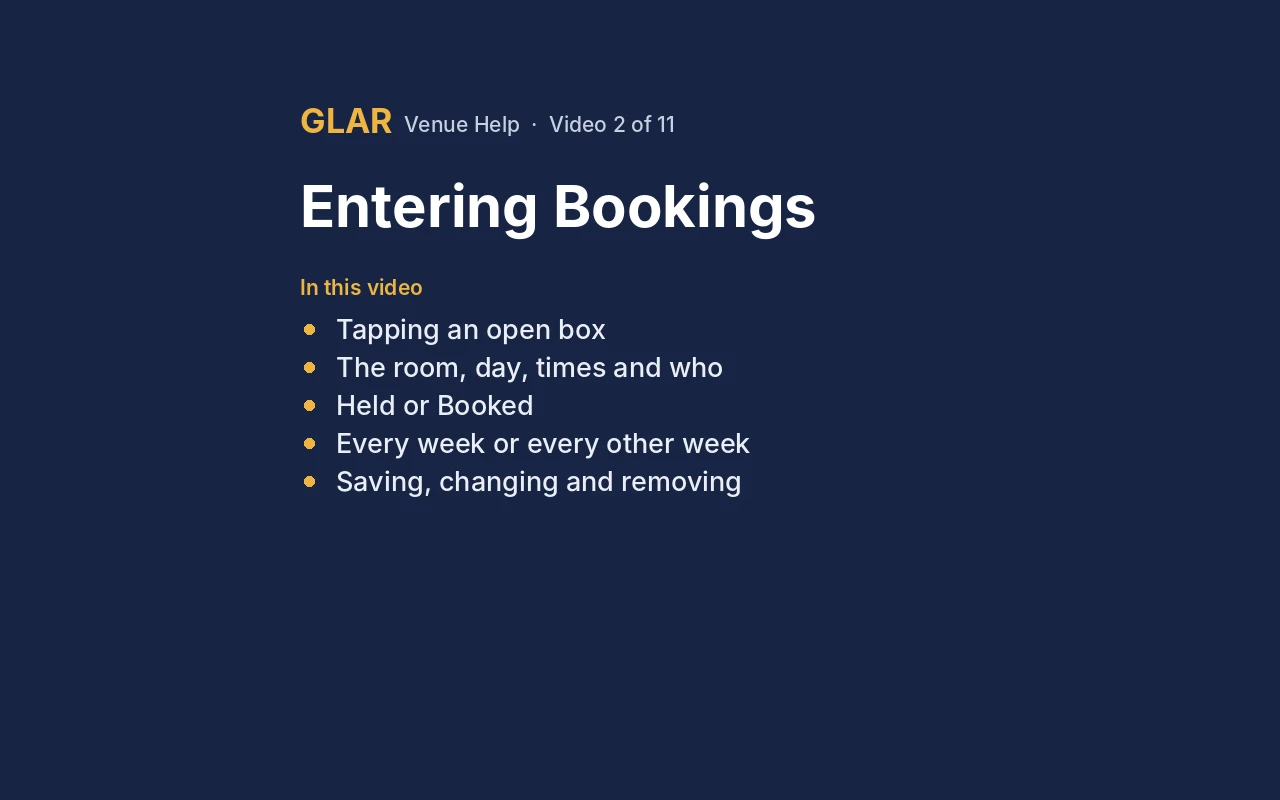
Watch 1: Entering Bookings
Your connection is weak, so the video couldn't play.
- Tap an open box on the calendar.
- Pick the room, day and times. Enter who it is and what kind of booking.
- Where it stands: Held while they decide, Booked once it's settled.
- Add their phone or email and notes. Only you and your team see them.
- Repeat: every week or every other week, and GLAR fills in the whole run.
- Press Save. If the room is taken, GLAR shows a warning: pick another room, or Save it anyway.
- Tap any booking to change or remove it. For a repeating one, remove just that day or the rest of the run.