Message the leader or a bandmate
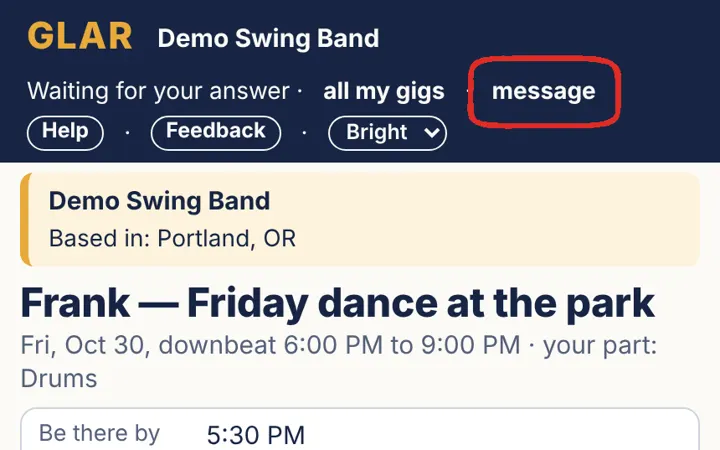
To write the leader: tap message at the top of any invite or poll page. Type your Message and tap Send. It goes to everyone who runs the band by email, with your name and chair. They reply to your email.
To write a bandmate: sign in to your own page first (see Your own page), tap message, and pick the person under To. This only works if your leader allows it.
- Your bandmate gets an email with your address to reply to. You see theirs only if they reply.
- Band leaders can see messages sent through GLAR.
- There's a limit per day. If you hit it, try again tomorrow.