Put a gig in your phone's calendar
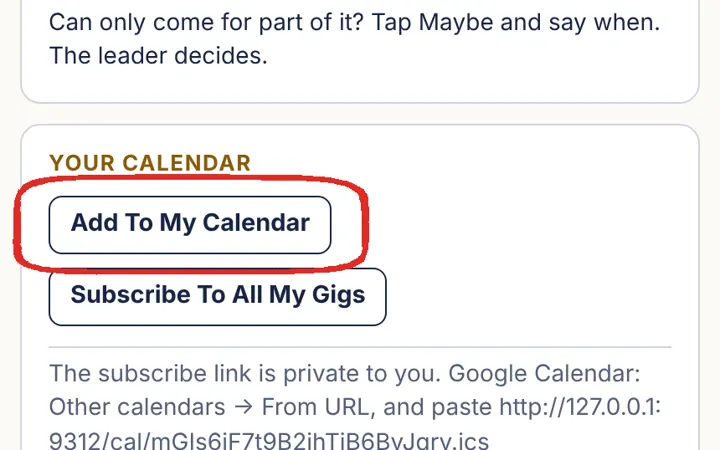
On your gig invite page there are two buttons:
- Add To My Calendar: adds this one gig. Your phone opens its Add Event screen with the date, time and place filled in.
- Subscribe To All My Gigs: adds a calendar with all your gigs from this band. It updates by itself if a time changes or a gig is called off.
For Google Calendar, use Other calendars, then From URL, and paste the address shown under the buttons.
Gigs you're in show as confirmed. Gigs you haven't answered show as tentative. The event runs from the downbeat to the end time, or three hours if no end time is set. If the downbeat isn't a clear time, it shows as all day.
The subscribe address is private to you. Don't share it.